
Home | CyberInstaller Suite | Requirements | Download | Purchase | History | FAQ | Social | Contacts | Testimonials
 Download
 From
this page you can download CyberInstaller
Suite.
From
this page you can download CyberInstaller
Suite.It is possible to choose the full package, recommended if you are going to install CIS for the first time, or the the update package, that will update a previous version of CIS (recommended if you have already installed a previous version of the same major release).
All the downloadable executables and packages are signed by SilverCyberTech with an official digital certificate.
All packages have been created with CyberInstaller Suite and are certified "100% clean from spyware, adware, viruses and other malware" by Softpedia and SoftwareInformer.




 Full suite: (download the "full" package if you
are installing CIS
for the first time)
Full suite: (download the "full" package if you
are installing CIS
for the first time)| Descrizione: |
Dimensione: |
Data: |
Note: |
||
 |
CIS 2024 v1.1 - full |
69,70 MB |
2024/02/14 | Full package | |
|
CIS 2024 v1.1 - update |
59,60 MB | 2024/02/14 | Update for CIS 2024 1.x |
|
|
|
|||||
| Sub-packages: (already
included in the "full" package, download for specific updates only) |
|||||
| |
Studio 10.00.15345 | 31,30 MB |
2023/12/04 | GUI to create
packages |
|
| |
Installer 4.20.0003 | 11,20 MB |
2024/02/11 | installation
engine |
|
| |
Extractor 7.11.981 | 14,70 MB |
2023/10/24 | auto-extracting engine |
|
|
CIPEW 5.10.712 | 19,60 MB | 2023/10/25 | Portable Executable Wrapper | |
|
Updater 1.41.383 | 19,40 MB | 2023/11/14 | on-line updated module | |
|
Downloader 1.70.115 | 14,80 MB | 2022/05/03 | downloader for CyberInstaller |
|
| Support
documentation: (user manual - already
included in the "full" package - under developing) |
|||||
| |
User
Manual
2014 (English) |
5,14 MB |
2011/05/09 | User manual (HTML) | |
InstallationEven
if CyberInstaller
Suite
would not need a real installation, in the full package there is an
installation routine the same, that will install all its modules in the
selected destination folder (automatically creating the folder and
files structures required to immediately start to create your
installation packages) through CyberInstaller
itself. Download the auto-extracting file, run it and just clic the
"Install" button to run CyberInstaller
that, through a simple wizard, will install CyberInstaller
Suite.
UpdateDownloading "update" package it will be possible to update an already installed version of CyberInstaller Suite, without having to download the whole package again and without having to remove the already installed copy. The only thing to be careful to, is that the update will only work for versions it is suited for.
RemovalBecause CyberInstaller Suite does not need a real installation, to uninstall it just delete its folder. Anyway, if you downloaded and installed the full package, it is possible to use the removal provided by CyberInstaller itself, that during the installation will have created a link in your Start Menu. As alternative, you can use the "Installation Applications" applet in Windows "Control Panel", by selecting "CyberInstaller Suite" item and clicking the "Install Applications" button.
Bug
reportingIf during the use of CyberInstaller Suitean error occours or you want to communicate your opinion, critics, ideas, or just reporting a bug, directly contact SilverCyberTech via the proper menu item "Bug reporting" of Studio. A patch or an update wiuil be released asap.
The whole SilverCyberTech team thanks you in advance for your precious feed-back!
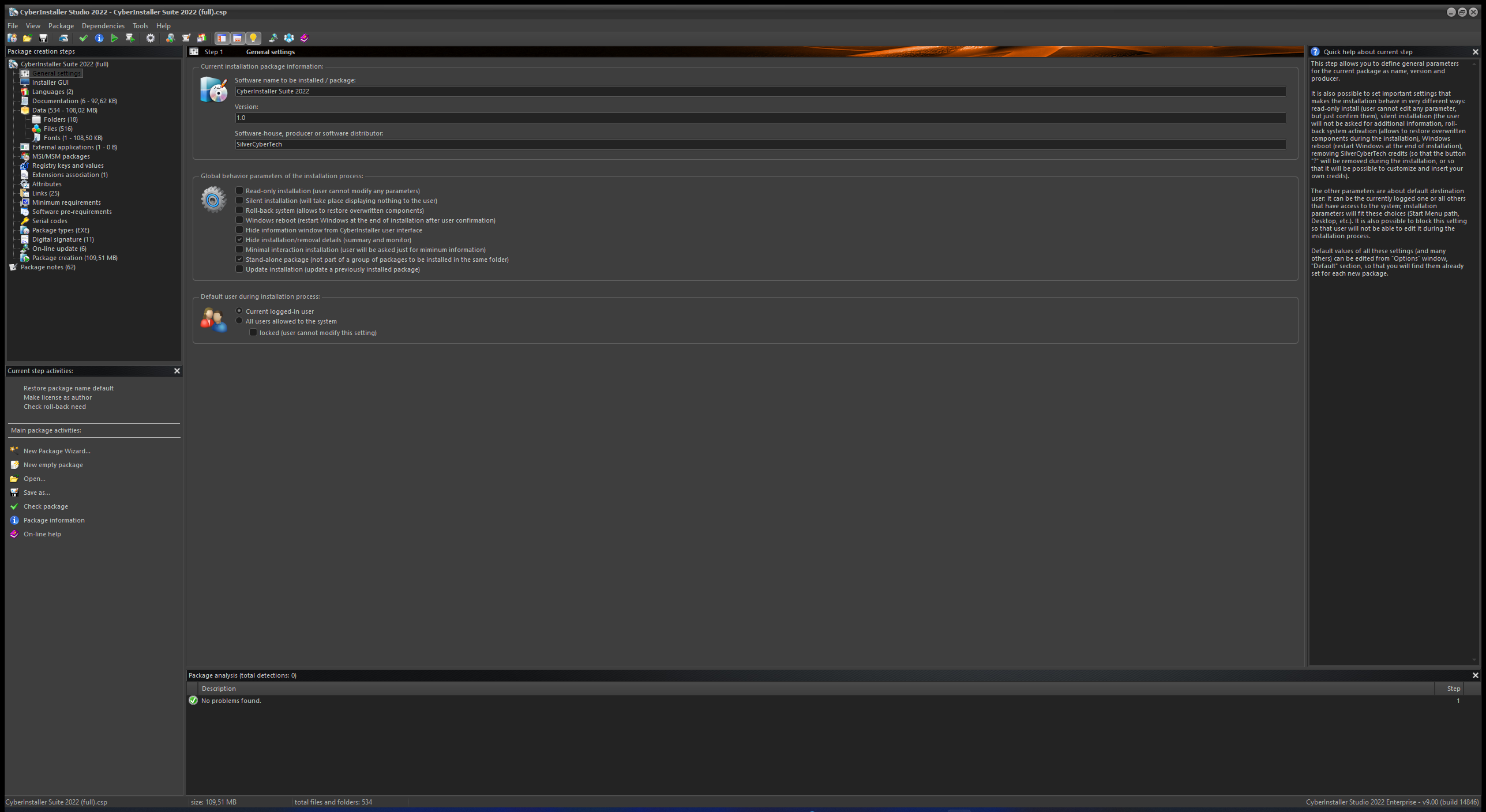
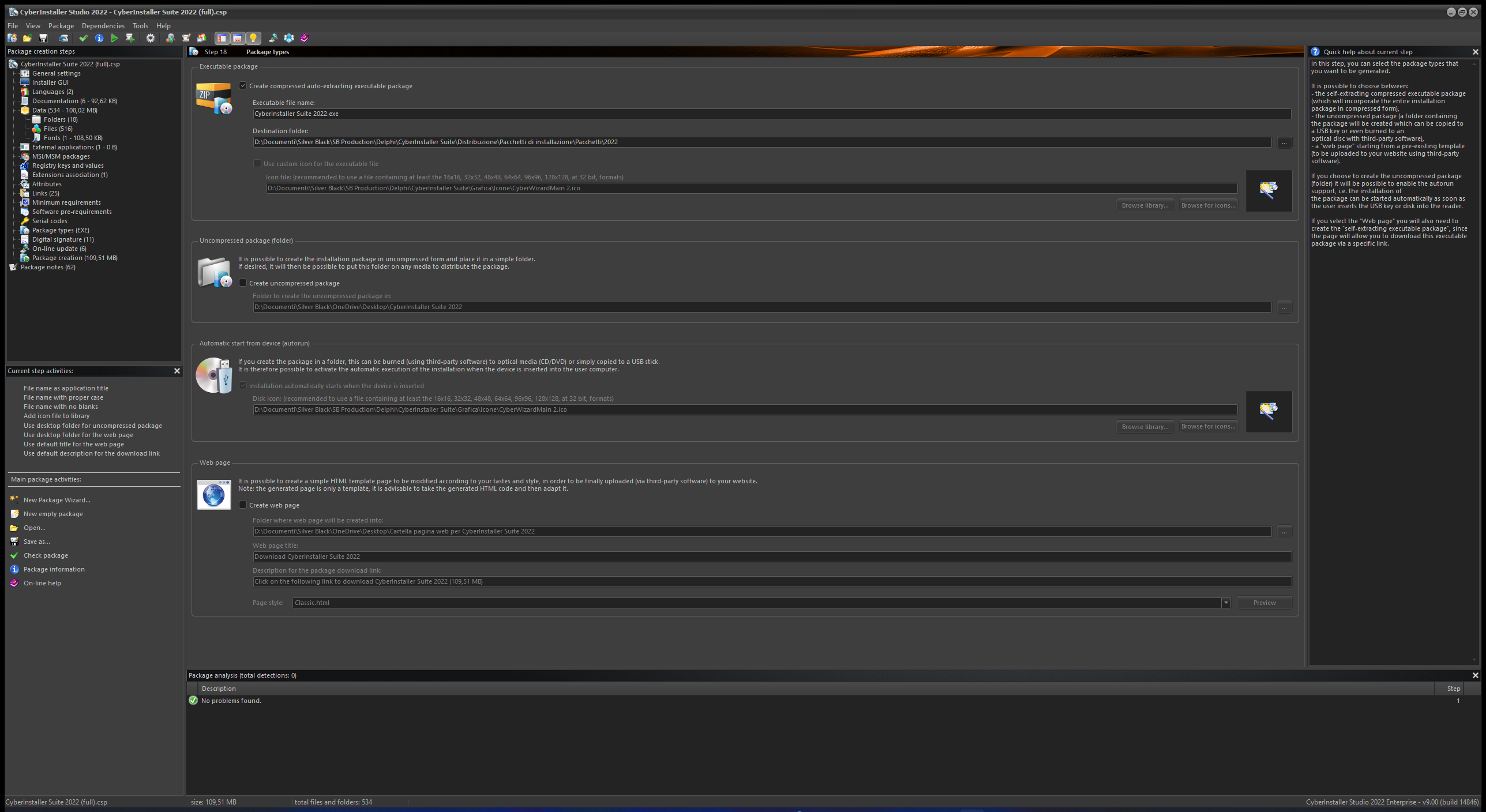
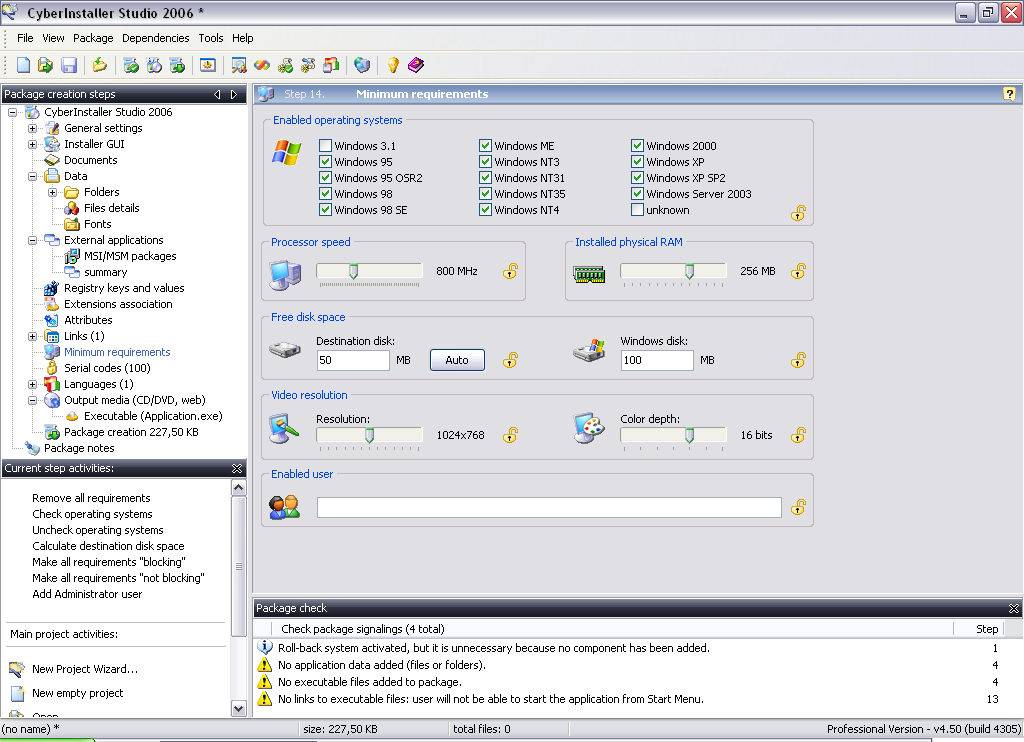
 Since 08/11/2005 the
order of Italian Government Consiglio di Stato
(U.S.A.I.) and
Tribunali
Amministrativi Regionali uses CyberInstaller Suite.
Since 08/11/2005 the
order of Italian Government Consiglio di Stato
(U.S.A.I.) and
Tribunali
Amministrativi Regionali uses CyberInstaller Suite. DeltaForth File
Builder, open-source project, hosted by CodePlex, uses CyberInstaller.
DeltaForth File
Builder, open-source project, hosted by CodePlex, uses CyberInstaller. Vsi Builder, tool by Alessandro Del Sole (never realized before in Italy and second in the world) to create .vsi packages for Microsoft Visual Studio, uses CyberInstaller.
Even Blustring
Contabilità uses
CyberInstaller suite.
Blustring is a portal for accountants, data computing centers, small
and medium enterprises, that offers the professional software Blustring for
accounting manage, the only professional program directly developed by
who has always worked in this sector.
CyberInstaller Suite - Follow the easy way.